Welcome to Both Security Lab. A unified, privacy-first software suite designed to replace vulnerable OS applications with highly secure, isolated forensic tools. Take full control of your digital assets.
The Arsenal
CORE MODULE
Both Secure Player
The central mastermind and media hub for the entire ecosystem (Titan Flow v2.1).
Zero-Delay Engine with VLC Background Threading
Integrated Cyber Dashboard for sub-modules
OSD (On-Screen Display) Real-time Data Extraction
Windows Registry OS Override Protection
Automated OTA Updates
NETWORK MODULE
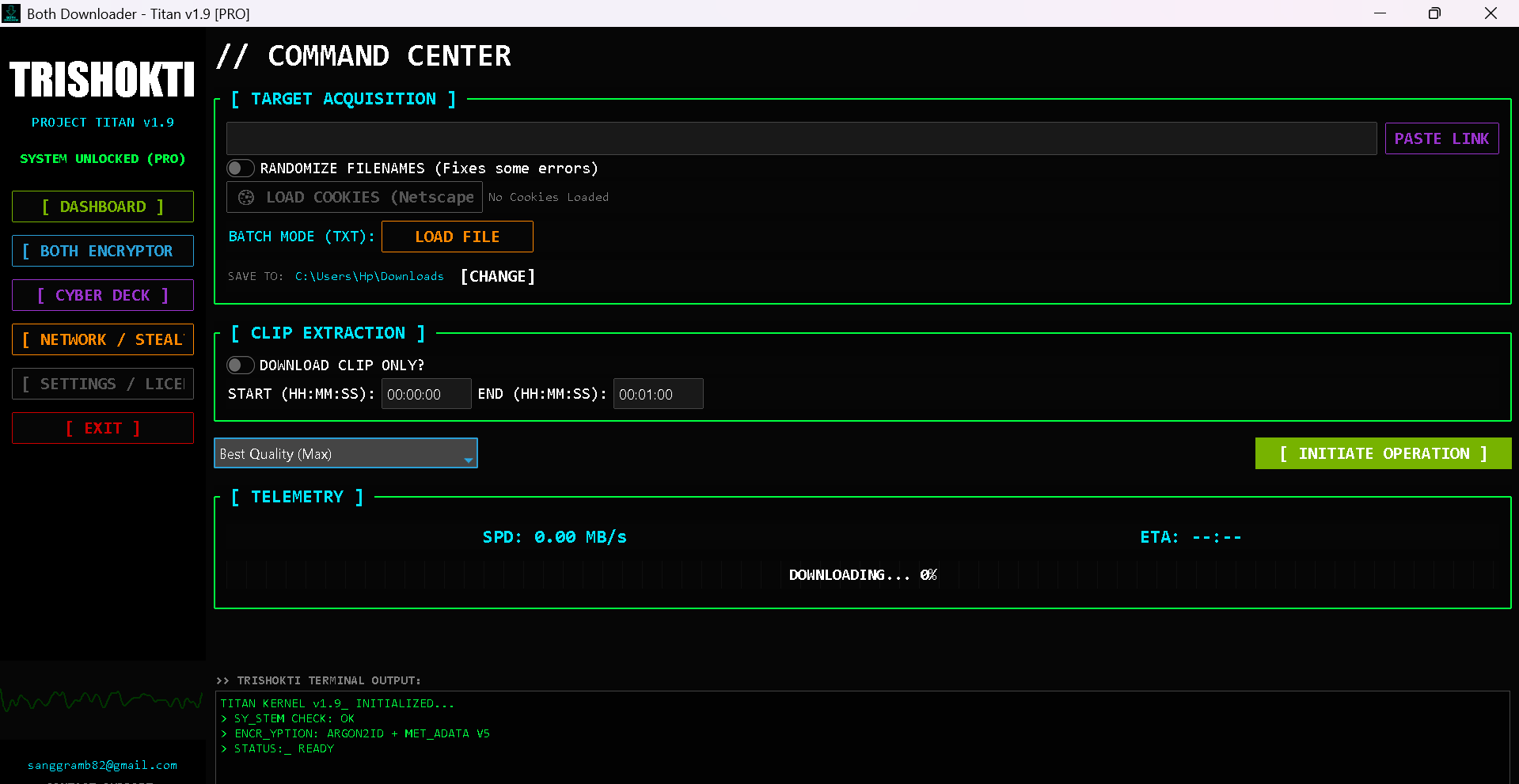
Both Downloader
A highly resilient and secure media extraction tool designed to pull assets safely.
High-Fidelity Extraction (8K, 4K, HD)
FFmpeg Audio & Video Merging
Batch File Downloading via TXT Targets
Smart Fallback Engine (Bypasses Blocks)
Direct Bridge to Titan Secure Player
ANALYSIS MODULE
Trishokti Code Viewer
A specialized, cyberpunk-themed text and source code analyzer for secure script review.
Universal Regex Syntax Highlighting
Trishokti Super Formatter (Sanitization)
Deep Radar Search (Target Isolation)
Ghost Wrap & Dual-Zone Status Bar
Isolated Execution Environment
FORENSICS MODULE
Trishokti Photo Scanner
An advanced visual analysis tool built for digital forensics rather than just viewing.
Standard software often tracks user behavior and hides underlying file data. Both Security handles every piece of media, code, or image with forensic precision. By controlling the exact execution environment, the suite neutralizes potential tracking scripts, prevents accidental malware triggers, and provides deep data visibility.
RECOMMENDED WORKFLOW (Malware Isolation):
1. Extract: Use the Both Downloader to pull suspected files.
2. Verify: Open images in the Photo Viewer to calculate cryptographic hashes.
3. Analyze: Review unknown scripts via the Code Viewer.
4. Lock Down: Run the Titan Player as Admin and hit [ SET AS DEFAULT PLAYER ].
root@both_lab:~$ man titan_player
[ CORE COMMANDS & HOTKEYS ]
F / Double-Click : Toggle Deep Overlay (Fullscreen) M : Mute/Unmute Audio Uplink Space / Click : Play/Pause Target Arrow Up/Down : Volume Override Arrow Left/Right : 10s Skip Traverse Tab : Extract On-Screen Data (OSD Info)
[ SECURE REGISTRY OVERRIDE ]
Navigate to Manage Folders -> Click [ SET AS DEFAULT PLAYER ].
This permanently binds the Windows OS to use Both Player for all media, photos, and code, preventing external vulnerable apps from triggering payloads.
root@both_lab:~$ man both_downloader
[ BATCH EXTRACTION ]
1. Create a .txt file containing one URL per line.
2. Launch Downloader -> Click [ Batch Download (TXT) ].
3. Select Quality and hit Start. Anti-ban delays are handled automatically.
[ CLIP EXTRACTION MODE ]
Check "Download Specific Clip" and input Start/End timestamps (e.g., 00:00:00 to 00:01:00) to isolate specific segments without downloading massive files.
[ SMART FALLBACK ]
If Facebook/Social links fail due to DRM or login walls, the engine automatically attempts an mbasic reroute extraction.
root@both_lab:~$ man trishokti_code
[ SYSTEM INSTRUCTIONS & CONTROLS ]
Ctrl + O : Inject Target File (Open) Ctrl + S : Commit Sector Code (Save) Ctrl + F : Radar Search (Find target strings) Ctrl + Shift + F : Trishokti Super Formatter (Sanitizes & Indents) F11 : Toggle Deep Overlay
// The editor automatically applies matrix styling based on file extensions. // Normal TXT/MD files trigger "Ghost Wrap" mode automatically.
root@both_lab:~$ man trishokti_forensics
[ FORENSIC CAPABILITIES ]
1. Deep Scan (EXIF): Extracts all hidden metadata stored within the image by the originating device.
2. Generate Hash: Runs a cryptographic scan generating SHA-256 and MD5 keys. Use this to cross-reference with global malware databases.
[ VISION FILTERS (OPTICS) ]
Apply Matrix, Edge, or X-Ray filters from the sidebar to detect visual steganography or hidden pixel arrays embedded by bad actors.
Ecosystem Intel
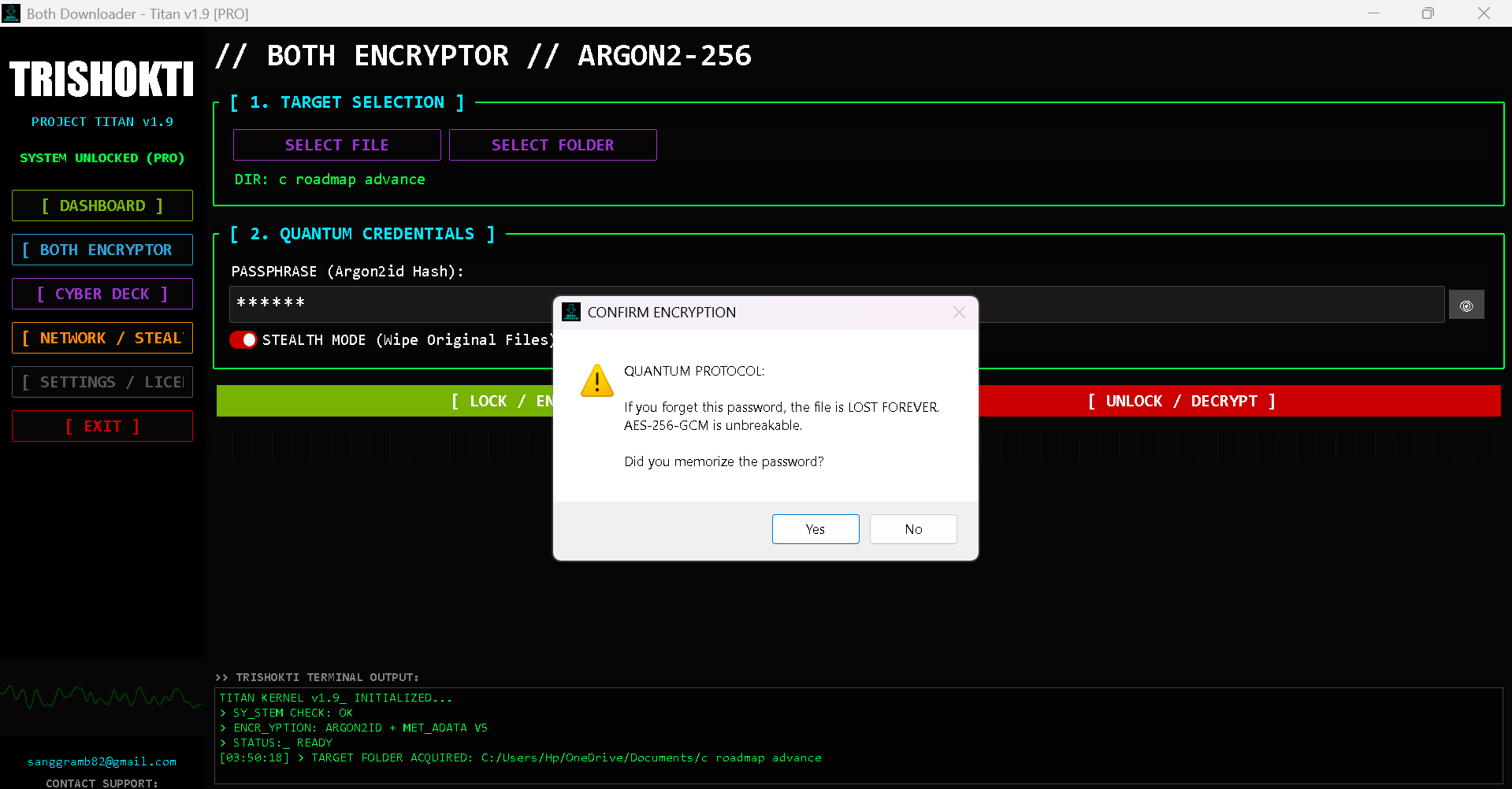
TITAN COMMAND CENTER
DOWNLOADER INTERFACE
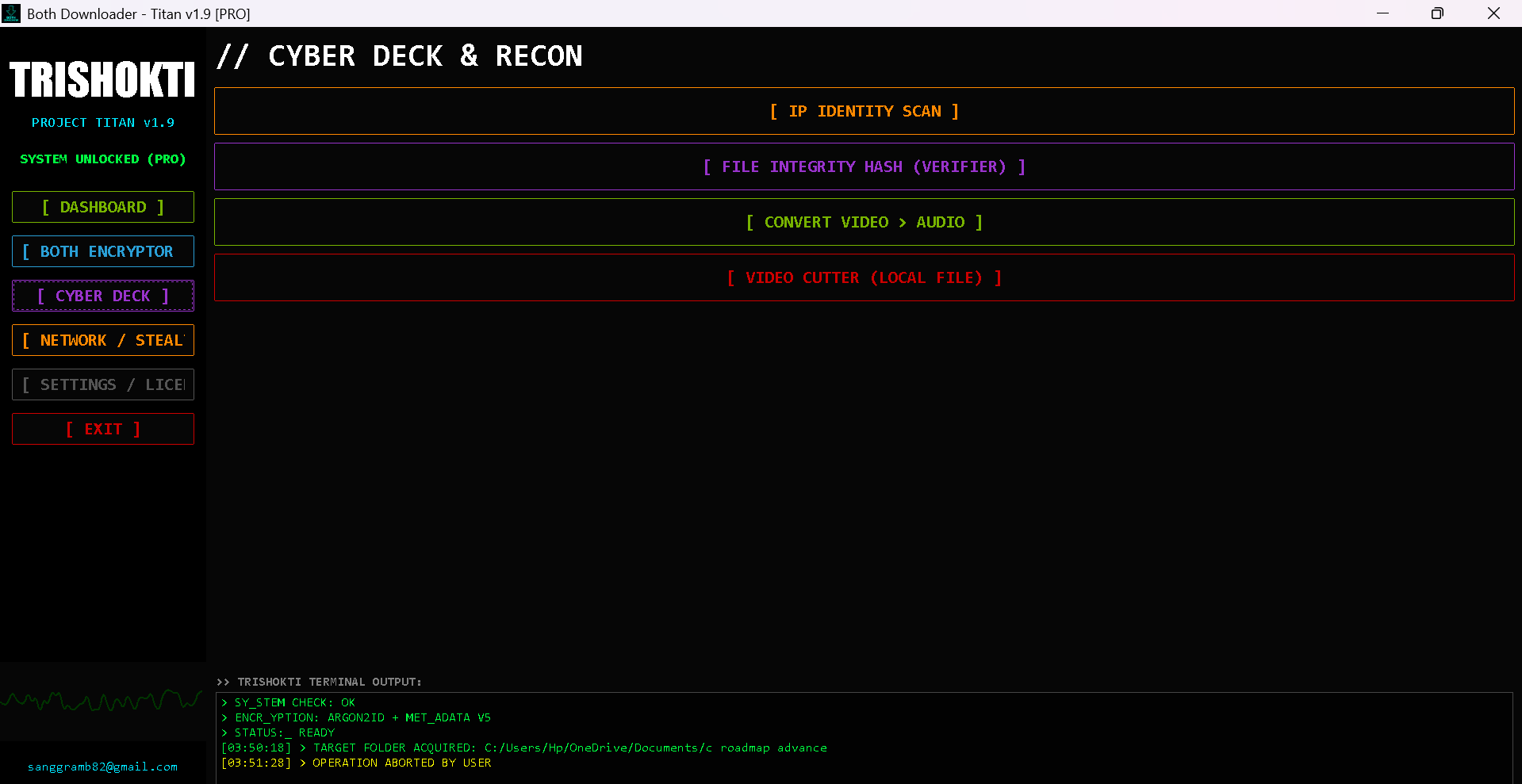
SECURE DASHBOARD
System Architect
MASTERMIND
SANGGRAM BISWAS
Visionary Developer, Ethical Hacker & Cyber Security Analyst.
Founder of Both Security Lab.
"We don't just build apps, we build legacies. Both Security represents the ultimate bond between human intelligence and AI defense."